-
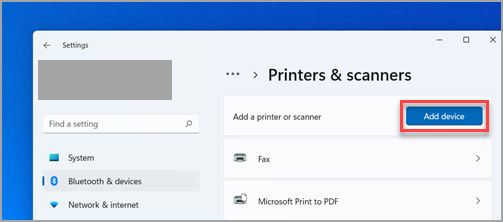
Select Start > Settings > Bluetooth & devices > Printers & scanners .
-
Next to Add a printer or scanner, select Add device.
-
Wait for it to find nearby printers, then locate the one you want to use, and select Add device. If you want to remove the printer later, select it, and then select Remove.
How to add a printer in Windows

Comments
0 comments
Please sign in to leave a comment.